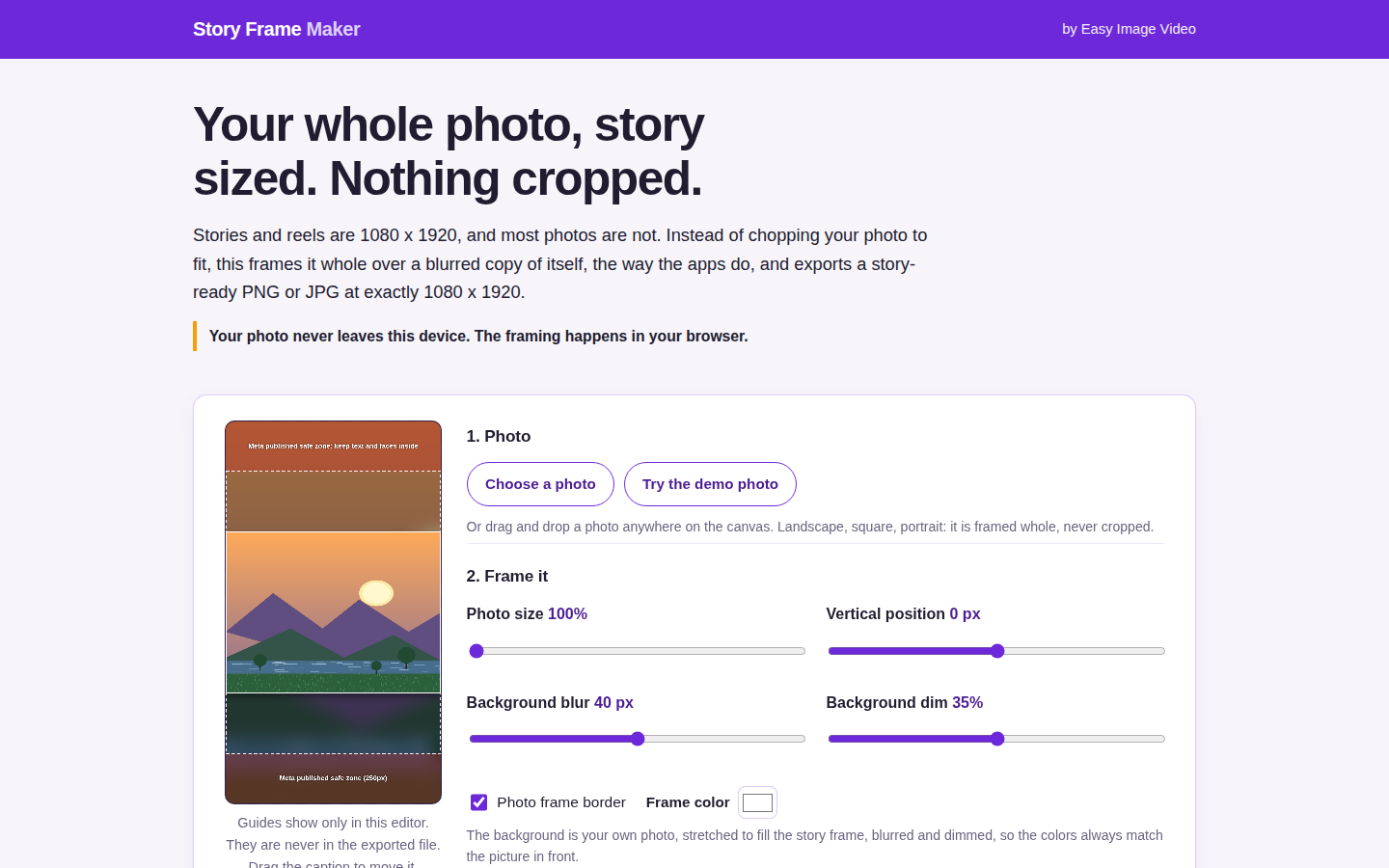
Every story and reel canvas is a tall 1080 x 1920 slot, and most photos are not. Platforms solve the mismatch by cropping, usually through the best part of the picture. The Story Frame Maker solves it the other way: your whole photo sits uncropped in the frame, and the space around it is filled with a blurred, dimmed copy of the same photo. Export is a PNG or JPG at exactly 1080 x 1920.
Open it and the demo photo is already framed, with the Meta guide switched on: bands at the top and bottom marking the 250 pixel margins Meta publishes for Stories and Reels, the strip where captions, buttons and profile names land. Guides for TikTok and Shorts are one click away. The guides live only in the editor; they are never in the exported file.
Frame a photo in under a minute
- Drop in your photo, any shape. It is placed whole, never cropped.
- Set the fill: blur at 40 pixels and dim at 35 percent by default, both adjustable, or pick a plain colour instead.
- Slide the photo up or down, add a frame border if you want one.
- Turn on your platform guide and check nothing important sits under the interface zones.
- Add a caption if the post needs one; there is a button that moves it into the safe area for you.
- Export the PNG or JPG at exactly 1080 x 1920.
Editing and previews are always free; two exports a day are free on each connection, then an email unlocks unlimited exports for the day. The numbers behind the guides are in our Instagram story safe zone guide and the Facebook video dimensions reference; if you would rather batch the job on your phone, the Android resize apps roundup is the honest alternative. Frame the photo you actually took: open the Story Frame Maker.