Turn the Meta guide on and the demo photo tells you the whole story: a 250 pixel band at the top, another at the bottom, the margins Meta publishes for Stories and Reels where the caption, the buttons and your profile name will sit on top of your picture. The Story Frame Maker draws those bands before you export, not after you post. Six checks worth making a habit:
1. The Instagram story safe zone, checked on the photo itself
Our safe zone guide gives the numbers; the maker shows them on your actual photo. Faces, headlines and logos either sit clear of the bands or they move. The caption control helps: type the caption, then use the button that moves it into the safe area instead of dragging and guessing.
2. Facebook stories and reels, same frame, different furniture
Facebook covers the frame with its own buttons and text, in slightly different places. The Facebook dimensions reference is this site's most read page for a reason: a frame that is safe on Instagram is not automatically safe on Facebook. Check the Meta guide once, with both apps in mind, before the export.
3. TikTok and Shorts get their own guides
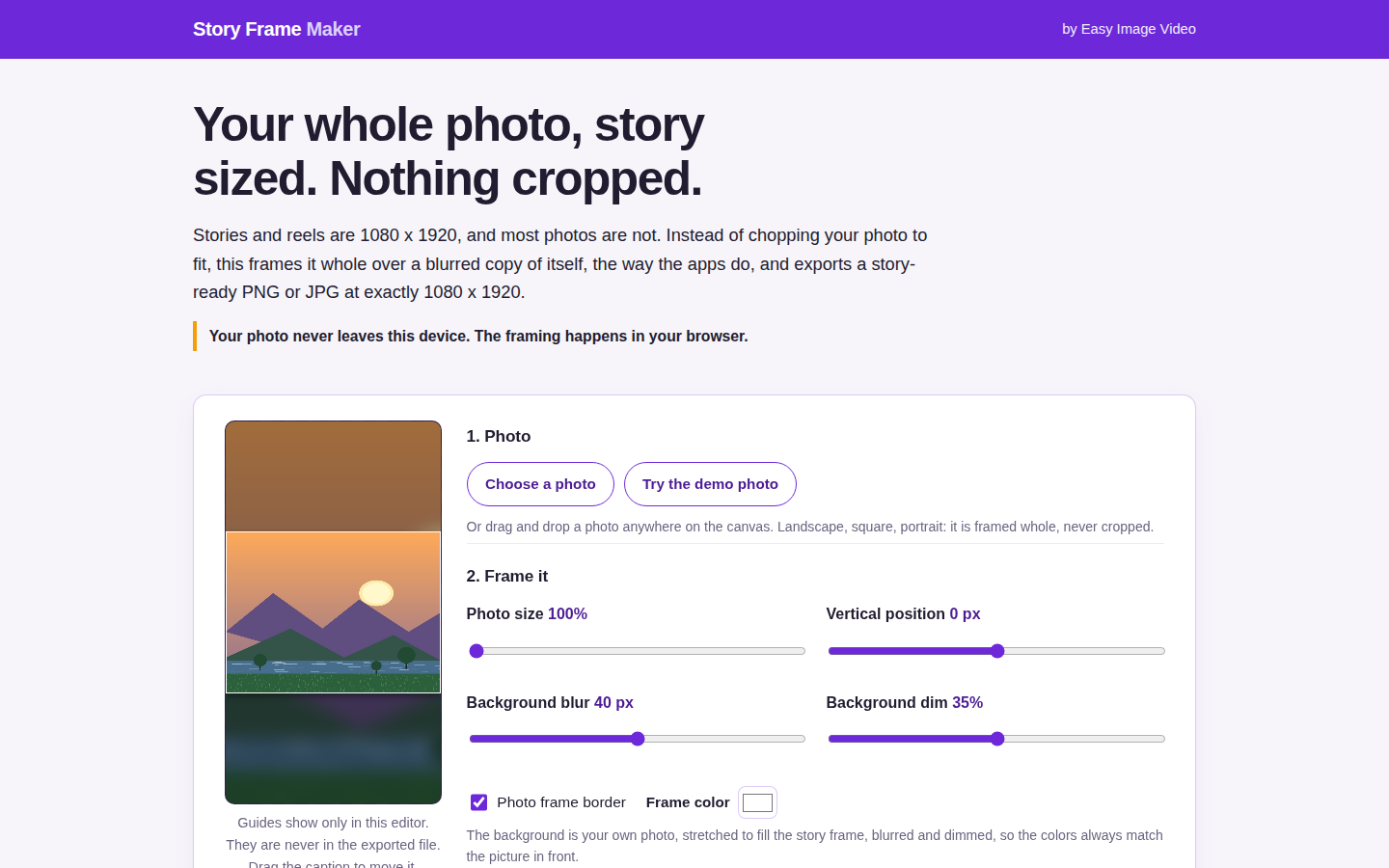
The maker's guide switcher covers TikTok and Shorts as well as Meta. TikTok stacks its caption and buttons down the right side and across the bottom; our TikTok dimensions guide and Shorts dimensions guide carry the numbers. One photo, three exports, each checked against its own platform.
4. The crop you refuse is the composition you keep
Group photos, products with space around them, screenshots with a context line at the edge: platform cropping eats exactly those edges. Framing the whole photo over its own blurred fill keeps the shot you composed. When a photo truly needs resizing rather than framing, the resize apps roundup is the other honest route.
5. One photo, every channel, ten minutes
Shoot once, then run the set: story frame with the Meta guide, a reel cover checked against the reel cheat sheet, a square post from the sister tool PicConvert at ImageVideoTools, and a thumbnail in the Thumbnail Canvas at ImageVideoEditor. Meta's own Ads Guide is the primary source behind the specs when a client asks where the numbers come from.
6. The export is the proof: exactly 1080 x 1920
Every export leaves at exactly 1080 x 1920, PNG or JPG, and the guides are never in the file; they exist only in the editor, where they can still change your mind. That is the difference between checking and hoping. Make the check a habit: open the Story Frame Maker.